
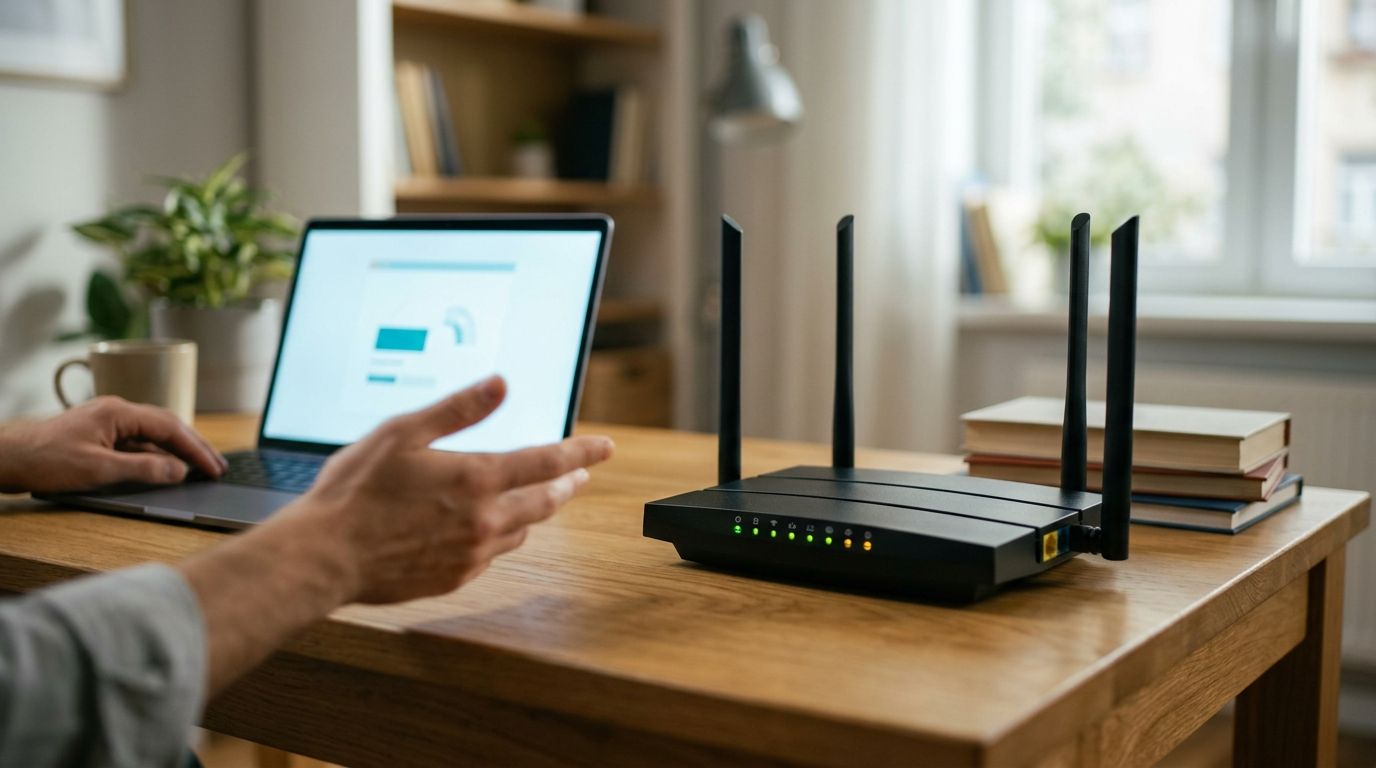
A compromised Wi-Fi router in 2026 shows itself through unfamiliar devices sitting in the admin panel's client list, DNS settings you never touched, and a connection that slows down or drops for no reason you can trace. The fastest way to confirm it: log into the router's admin panel directly (not through an app) and compare every connected device against what you actually own — anything you can't identify is the red flag that matters most.
- Unknown devices in the router's client list is the clearest sign your wifi router is compromised in 2026.
- Changed DNS servers, disabled firewall settings, and random reboots point to remote access, not just a slow ISP.
- A factory reset plus a new admin password closes most router-level compromises within minutes.
- USA Bugsweeps finds hidden cameras and audio bugs that piggyback on home networks during a full-property sweep.
Why this matters
A router isn't just internet plumbing — it's the single device that touches every camera, smart speaker, laptop, and phone in the house. Once someone has admin access to your router, they can redirect your traffic, watch which sites you visit, and in some cases reach devices connected to the same network.
This matters more in 2026 than it did five years ago because so many households now run wifi-connected cameras, baby monitors, and smart locks off the same router. A compromised router doesn't just mean slower streaming — it can mean someone outside the house is reaching a live feed from inside it. If you've already ruled out the router and still suspect something is off, checking your smartphone for hidden spyware is the next logical step, since phone and router compromises often happen together.
How to tell if your wifi router is compromised
Work through this list in order. Each sign on its own can have an innocent explanation — two or more together is when you should stop troubleshooting and start treating it as a security incident.
| Sign | What it usually means | What to do |
|---|---|---|
| Unrecognized devices in client list | Someone has your wifi password or bypassed it | Change password, remove device, review access controls |
| DNS servers changed without you doing it | Traffic is being rerouted | Reset DNS to automatic, update firmware |
| Admin login fails with your usual password | Someone changed the admin credentials | Factory reset the router, set a new admin login |
| Router reboots or drops connection randomly | Remote access session or firmware tampering | Update firmware, factory reset if it continues |
| Firewall or security settings disabled | Settings altered from inside the network | Re-enable manually, audit every connected device |
| Outbound data spikes overnight | A device is uploading while you're asleep | Check bandwidth per device in the admin panel |
Unknown devices connected to your network
Every modern router admin panel has a connected-devices or client-list page — usually the single most useful screen in the entire interface. If you see a device name you don't recognize, don't assume it's a neighbor's phone that briefly connected. Unrecognized devices on a home network in 2026 are the number one indicator of a compromised router, ahead of slow speeds or strange pop-ups.
DNS settings you didn't change
DNS translates a website name into the address your browser actually connects to. If an attacker changes your router's DNS servers, they can redirect real websites to fake ones, or simply monitor every site you visit. Check the WAN or internet settings page — if the DNS fields show numbers you didn't enter and don't recognize as your ISP's, that's a router-level compromise, not a browser problem.
Router reboots, slowdowns, or admin lockouts
A router that reboots on its own, drops wifi for a few minutes at odd hours, or suddenly rejects your normal admin password has likely had its settings changed remotely. Firmware exploits and stolen admin credentials both produce this pattern. If you're locked out of the admin panel entirely, that is no longer a maybe — someone else has control of the device.
Security settings disabled without warning
Most routers ship with basic firewall and intrusion-detection settings turned on by default. If you open the security tab and find those toggled off, and you know you didn't do it, someone with admin access disabled your protections on purpose — usually right before doing something else on the network.
Data usage spikes with no explanation
Check the bandwidth-monitoring page if your router has one. A device uploading large amounts of data overnight, when every device in the house should be idle, points to something sending data out — a compromised smart device, a camera streaming footage, or malware phoning home.
“If you don't recognize every device on your router's client list, someone else is probably using your network.”
Smart speakers and smart TVs are common entry points because owners rarely update them. If your router shows heavy overnight traffic from a device you can't identify, check whether a smart speaker is eavesdropping on you before assuming the router itself is the source.
Why routers get compromised
Routers aren't picked at random — the same handful of weaknesses shows up in nearly every case:
- Default admin credentials never changed after setup — the most common cause by a wide margin
- Outdated firmware that hasn't received a security patch in months or years
- Remote management left enabled, letting anyone reach the admin panel from outside the home network
- Weak or reused wifi password shared across multiple accounts and devices
- UPnP left on, which lets devices open ports without your approval
- Older encryption standards like WEP or early WPA still in use instead of WPA2 or WPA3
WPA3, published in 2018 and standard on most routers sold in 2026, is meaningfully harder to attack than the WEP and early WPA setups still running in older homes. Check which one your network uses on the wireless security page.
Suspect more than a hacked router?
A full property sweep checks for hidden cameras and audio bugs a router scan cannot catch.
What to do in the first 30 minutes
- Log into the admin panel over a cable if possible, not the manufacturer's phone app — the app can show a filtered view of settings.
- Screenshot the connected-device list and DNS settings before you change anything. If this becomes a police report, that record matters.
- Factory reset the router using the physical reset button, then set a new admin password that you have never used anywhere else.
- Update the firmware immediately after the reset, before reconnecting any devices.
- Turn off remote management and UPnP, and set encryption to WPA3 or WPA2 if WPA3 isn't available.
- Reconnect devices one at a time, watching the client list so you know exactly what each new entry is.
Can someone hack my wifi without knowing the password?
Yes — weak encryption, exposed remote-management ports, or malware already on a connected device can all give someone access without ever needing your wifi password. A strong password alone does not make a router secure in 2026; firmware and settings carry equal weight.
How do I know if someone is using my wifi without permission?
Check the connected-device list in the router's admin panel — every device using your network appears there, whether it has your password or not. Cross-reference device names and MAC addresses against everything you own; anything left over is on your connection without permission.
Will a factory reset remove a hacker from my router?
A factory reset removes most router-level compromises, including changed DNS settings and altered admin credentials, because it wipes the device back to manufacturer defaults. It does not patch an outdated firmware vulnerability — update the firmware right after the reset, or the same exploit can let someone back in.
FAQ
How do I check if my wifi router has been hacked?
Log into the router's admin panel and review the connected-device list, the DNS settings, and the admin credentials. Unrecognized devices or DNS servers you didn't set are the clearest signs of a hacked wifi router.
What are the warning signs of a compromised router?
Unknown connected devices, changed DNS settings, random reboots, disabled firewall settings, and overnight data spikes are the main warning signs. Two or more together means the router should be reset and reconfigured immediately.
Does changing my wifi password fix a compromised router?
Changing the wifi password helps but does not fully fix a compromised router if the admin credentials or firmware were also affected. A factory reset with a new admin password and a firmware update is the complete fix.
Can a hacked router let someone see my home cameras?
Yes, if your cameras connect through the same compromised network, someone with router access can potentially reach that footage. This is why a hacked router and a hidden camera concern are often the same investigation, not two separate ones.
How often should I check my router for unauthorized devices?
Once a month is a reasonable baseline for a home network in 2026. Check immediately any time the internet slows down without explanation or a device you don't recognize appears.
Is a router reset enough or do I need a new router?
A factory reset plus a firmware update handles most compromises. Replace the router only if it is old enough that the manufacturer no longer issues firmware updates for it.
Can someone access my router remotely without being on my wifi?
Yes, if remote management is enabled, someone can reach the admin panel from outside your home network entirely. Disabling remote management is the fastest fix for that specific exposure.
Should I call the police if my router was hacked?
File a report if you find evidence tied to a specific person, such as a stalker or former partner, or if surveillance devices turn up in the home. Screenshot the router settings first, since a factory reset erases that record.
One last thing
A compromised router is a network problem, but it is often the symptom of a physical one — someone who had hands-on access to the device rather than remote access to it. If the router shows signs of tampering and nothing online explains how, treat it as a sign you may be under physical surveillance rather than a purely cyber issue. A router audit catches network-level compromise; it will not find a camera wired into a smoke detector or a tracker under a bumper, which is the gap a professional TSCM sweep from USA Bugsweeps is built to close.


