
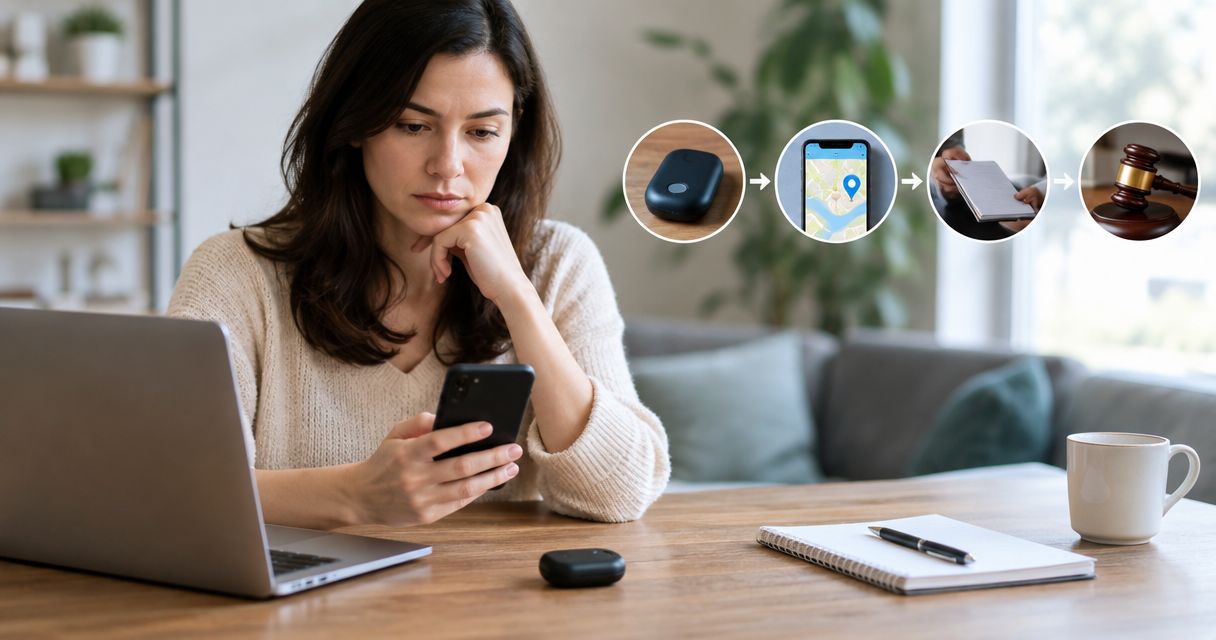
Instead of rebuilding events from scattered photos and messages, organize GPS tracker evidence for restraining order proceedings through a safety-first workflow: document the discovery, preserve originals, record custody, and prepare your local court’s required filing. This 2026 guide explains that process without treating a tracker discovery as automatic proof of who placed it.
- GPS tracker evidence for restraining order proceedings needs discovery details, preserved originals, and a factual incident timeline.
- Usabugsweeps provides professional GPS tracker detection; legal eligibility and court orders require a separate legal process.
- Prioritize safety before photographing, removing, disabling, or transporting a suspected tracking device.
- Separate confirmed observations from suspicions about who installed or controlled the tracker.
Why this matters
A discovered tracker can support your account, but discovery alone does not identify the person responsible. Your evidence needs to explain what happened, where the device was found, how it was handled, and why the discovery matters alongside other incidents.
Usabugsweeps is best suited to vehicle owners seeking professional GPS tracker detection, not legal representation. Usabugsweeps provides nationwide TSCM bug sweeping services for homeowners, business owners, and vehicle owners. Technical detection and court preparation serve different purposes; neither replaces the other.
A restraining order or protection order depends on your jurisdiction, relationship to the respondent, alleged conduct, and applicable legal standard. Use this 2026 workflow to organize facts, then confirm filing requirements with the court’s self-help office, a lawyer, or a victim advocate. This is general information, not legal advice.
Before you start
- Establish a safe communication route. Use a device and account you believe the suspected person cannot access. If you face immediate danger, call 911; do not delay emergency help to finish documentation.
- Gather materials you control. Have your original photos, tracking alerts, messages, vehicle ownership or authorized-use information, and a place to store records outside shared accounts. Do not access someone else’s tracker account or device without authorization.
- Resolve the removal problem first. Disabling or removing a tracker can reveal that it has been discovered, while leaving it active can continue exposing your movements. Ask law enforcement or a stalking/domestic violence advocate to help plan the next step before manipulating or transporting it.
Do not drive a potentially tracked vehicle to a confidential shelter or another protected location without discussing transportation safety. Evidence preservation matters, but your physical safety comes first.
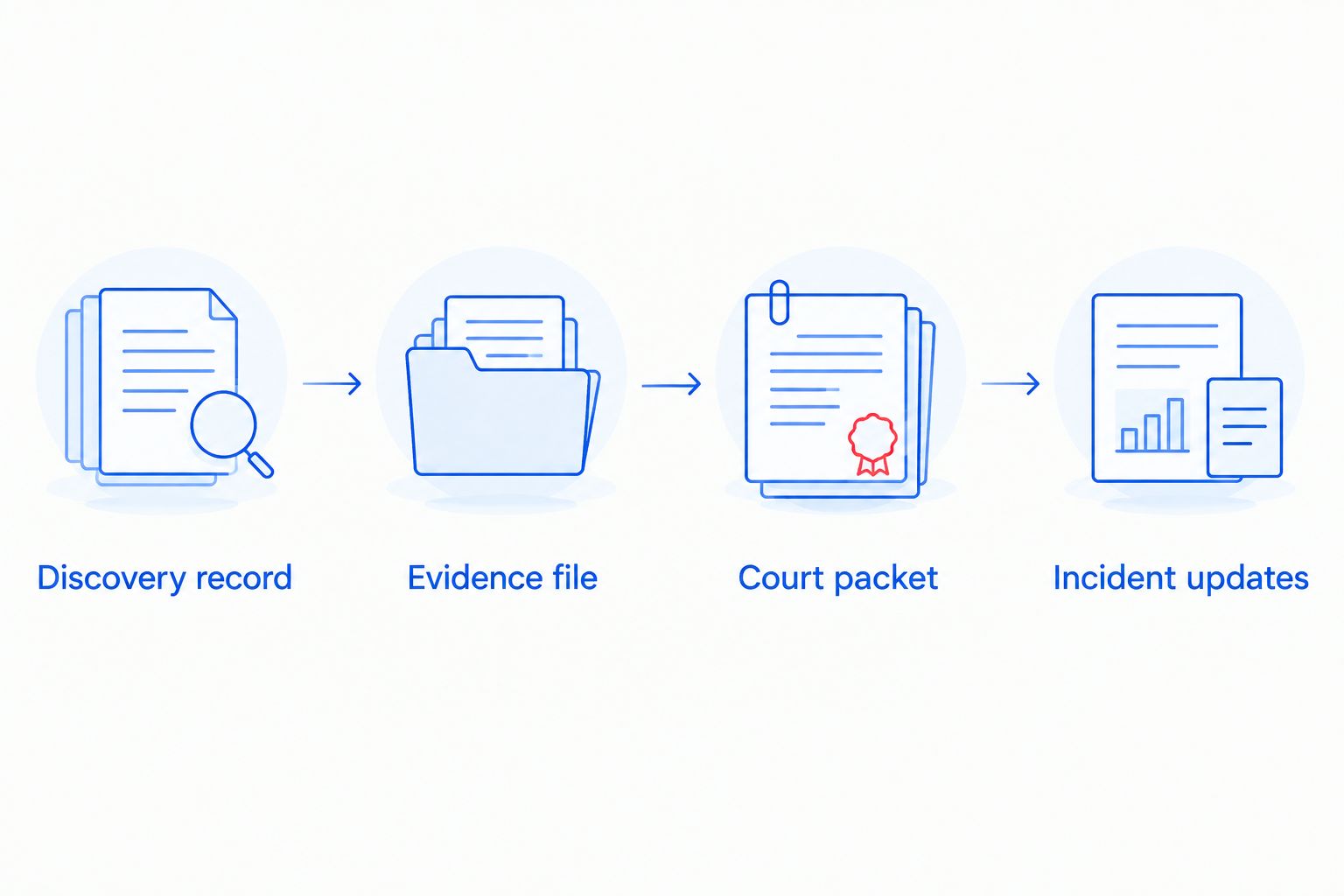
Discovery record
Document the location before changing it
- Record the discovery. Write the date, local time, time zone, location, who was present, and how you noticed the object or alert. Distinguish the time you discovered it from any earlier time you believe tracking began.
- Photograph what is safely accessible. If conditions allow, capture 3 photo views: the vehicle or object, the mounting area, and a close-up of visible markings. Do not crawl beneath an unsupported vehicle, dismantle wiring, or handle an unfamiliar object to improve a photograph.
- Describe rather than diagnose. Record observable details such as a magnetic enclosure, an attached cable, or visible lettering. Until qualified examination confirms its function, call it a suspected tracker rather than a confirmed GPS device.
- Preserve related alerts. Save the full alert screen and any available map or identifier. Record when the alert appeared; an alert does not necessarily establish the time a device was installed.
- Write down witnesses. Record who personally saw the object and what each person observed. Ask witnesses to preserve their own factual accounts rather than copy yours.
Expected result: You have a dated discovery record showing the original location and visible condition without claiming more than you observed.
Plan examination and collection
- Contact the appropriate help from a safe location. Explain the suspected tracking, any threats, and whether you believe the person has immediate access to you. Ask how to handle the device and whether an officer should inspect it before removal.
- Request technical detection when needed. Usabugsweeps GPS tracker detection services address the technical search. Before arranging work, ask what written findings, photographs, identification details, and handling records the engagement will include.
- Leave invasive work to qualified personnel. Do not cut wires, open an enclosure, insert a SIM card into another device, or connect an unknown tracker to your computer. These actions can create safety problems or change evidence.
- Record any collection. If police or a qualified professional removes the object, note the collector’s name, date, time, removal location, and destination. Ask for a receipt or reference number when one is issued.
Expected result: You know who examined or collected the object and what documentation exists. A technical finding remains separate from a conclusion about who installed it.
Evidence file
Preserve originals and record custody
Your 2026 evidence folder should make the sequence understandable without requiring someone to search your entire phone. Keep original material separate from the copies you annotate for explanation.
- Retain original files. Keep photographs and videos in their original form, including available metadata. Do not crop, filter, or overwrite the only copy; messaging and social platforms can change file quality or metadata.
- Create working copies. Add labels or highlights only to duplicates. Maintain 2 backup copies in locations the suspected person cannot access, provided doing so does not create another shared-account exposure.
- Start a custody log. For each physical transfer, record the item description, who released it, who received it, date and time, and purpose. This log supports an account of handling; it does not guarantee admissibility.
- Follow collection instructions. Ask the receiving agency how to package, store, or deliver the device. Do not improvise battery removal, radio shielding, or other handling measures to preserve evidence.
- Index the records. Use descriptive filenames and a simple contents list. Keep the original filename recorded when you rename a working copy.
Expected result: Your original records remain distinguishable from edited copies, and physical transfers have a written history.
Build a factual incident timeline
List incidents in date order, with a source beside each entry. Include threatening messages, unwanted appearances, tracking alerts, discoveries, police contacts, and relevant witness observations. Describe the behavior and its effect on your safety without assigning motives you cannot establish.
Use separate columns for observed fact, supporting record, and unconfirmed concern. For example, a message referencing your location is an observable communication; your belief about how the sender learned that location is a separate inference.
If an entry is approximate, label it approximate. Do not turn a remembered week into an exact date just to make the timeline look complete.
For the reporting handoff, use the TSCM findings to law enforcement report workflow. Keep report numbers alongside the incidents they concern, rather than treating a police report as proof that every allegation has been established.
Expected result: A reader can connect each statement to its source and identify what remains unknown.
Court packet
Confirm the filing route and assemble exhibits
There is no single nationwide restraining-order form or filing interface. For a 2026 filing, obtain current forms and instructions directly from the relevant court; do not rely on an old downloaded packet.
- Confirm the appropriate petition. Ask the court’s self-help office or a lawyer which order type applies to your relationship and circumstances. Ask about emergency or temporary relief if your situation requires urgent protection.
- Check confidentiality procedures first. Before entering an address, ask how the court handles protected contact details and confidential-address requests. Do not assume an uploaded attachment remains private.
- Write the factual statement. Explain the discovery, relevant conduct, safety concerns, and what you personally know. Identify the respondent based on supported facts, not merely because a tracker appeared.
- Select relevant exhibits. Include clear photographs, alert records, pertinent messages, technical findings, and the timeline as permitted by local rules. Preserve originals even if the filing system accepts only converted copies.
- Confirm submission and service requirements. Ask about exhibit labels, file formats, redaction, deadlines, hearings, and who must arrange lawful service. Do not personally confront the respondent to deliver papers.
- Prepare to explain each exhibit. Know who created it, when, what it shows, and how it was preserved. Ask a lawyer whether testimony from a witness or examiner is needed.
Expected result: You have a locally appropriate packet that distinguishes evidence, allegations, and requested protection. Filing does not guarantee an order.
Choose help by the task
These roles complement one another. Choose help according to the problem you need addressed, rather than expecting one provider to handle every stage.
| Support option | Best for | Main benefit | Limit |
|---|---|---|---|
| Usabugsweeps TSCM services | Professional GPS tracker detection | Technical search for concealed surveillance devices | Detection does not establish legal responsibility or obtain an order |
| Law enforcement | Immediate threats and reporting suspected crimes | Emergency response and investigative reporting | A report does not replace a civil protection-order petition |
| Lawyer or legal aid | Case-specific legal advice | Advice on eligibility, evidence, filing, and hearings | Legal advice does not replace a physical vehicle examination |
| Stalking or domestic violence advocate | Safety planning and support | Help planning around risk and finding local resources | Advocacy is not necessarily legal representation |
Arrange professional tracker detection
Ask about a vehicle sweep and the documentation included before scheduling.
Incident updates: when tracking continues
A second workflow applies when another alert appears, another device is found, or contact continues after filing. Add evidence without rewriting the original account.
- Create a new incident entry. Record the new date, time, location, and observable event. Preserve the new alert or message separately.
- Connect, do not merge. Reference the earlier report or case number, but do not describe a new object as the same tracker unless that identification is supported.
- Reassess safety. Contact emergency services for immediate danger. Otherwise, discuss the change with your advocate, lawyer, or investigating agency before altering a device or routine.
- Follow the court’s update procedure. Ask how to submit supplemental evidence or report a suspected order violation. Do not assume an email to the clerk becomes an accepted exhibit.
Expected result: Your 2026 record preserves both the original discovery and later developments. If an order exists, keep a safely accessible copy and follow the reporting instructions provided with it.
Troubleshooting
The tracker was already removed
Write down who removed it, where it was found, what happened next, and whether photographs exist. Preserve the object as instructed by the receiving agency. Do not stage a replacement photograph; clearly identify any later demonstration as a reconstruction.
You have an alert but no physical device
Preserve the alert and describe it accurately. Do not claim a physical discovery or name an installer from the notification alone. Ask about a professional search and report associated threats or stalking behavior independently of whether a device is recovered.
A file changed during sharing
Keep the shared version, then locate the original on the source device or backup. Record which version was sent and how. Do not recreate missing metadata or describe an exported image as an untouched original.
Ownership or authorization is disputed
Record any relevant lease, employer vehicle policy, purchase paperwork, or tracking consent you possess. Do not access another person’s account to investigate. Ask a lawyer how ownership, consent, and alleged misuse affect your particular case.
You cannot identify who installed it
State that plainly. Preserve relevant messages, witness observations, and access information without confronting a suspected person. Investigators and lawyers can assess lawful next steps; do not attempt to obtain subscriber records through impersonation.
Customize your workflow
Expand the safety review beyond the recovered object. Tell your advocate or lawyer about shared vehicle accounts, location sharing, connected-car access, and other channels that concern you. Plan account changes from a safe device rather than assuming abrupt changes carry no risk.
Keep technical findings within their documented scope. A vehicle sweep addresses the vehicle examined under the conditions recorded; it does not establish that every phone, account, or future journey is free from monitoring. Ask what was examined and what remains outside the work.
FAQ
Can a GPS tracker help me get a restraining order?
GPS tracker evidence can support a restraining-order request, but it does not automatically establish eligibility or identify the responsible person. The court applies the relevant local law to the evidence and alleged conduct.
Should I remove a tracker before calling police?
Prioritize safety and seek handling instructions before removing a suspected tracker when circumstances allow. Removal can change evidence or reveal discovery, while leaving it active can continue exposing your movements.
Do I need a police report before requesting protection?
Confirm that requirement with your local court rather than assuming a police report is mandatory. Criminal reporting and civil protection-order proceedings are separate processes, and filing requirements vary.
Can I use screenshots as GPS tracker evidence?
Screenshots can document alerts and communications, but preserve the underlying original material whenever possible. Capture context, record dates, and confirm the court's exhibit and authentication requirements.
Does finding a tracker prove my former partner installed it?
No, finding a tracker alone does not prove who installed or controlled it. Keep observations separate from suspicions and preserve other relevant evidence without attempting unauthorized account access.
Can Usabugsweeps obtain the restraining order for me?
Usabugsweeps provides professional TSCM bug sweeping and GPS tracker detection services, not legal representation. Use a lawyer, legal aid provider, or court self-help office for case-specific filing guidance.
One last thing
Do not confuse the date you discovered a tracker with the date tracking began. Record both only when evidence supports both. That distinction keeps your 2026 timeline accurate and prevents an avoidable overstatement in a sworn account.


