
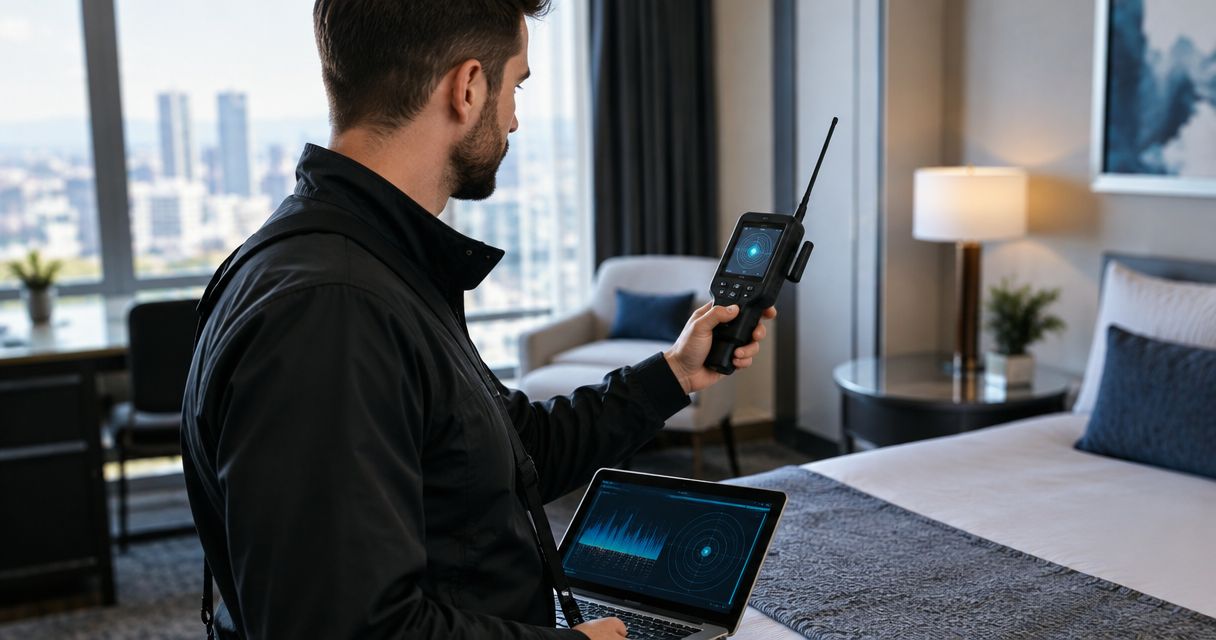
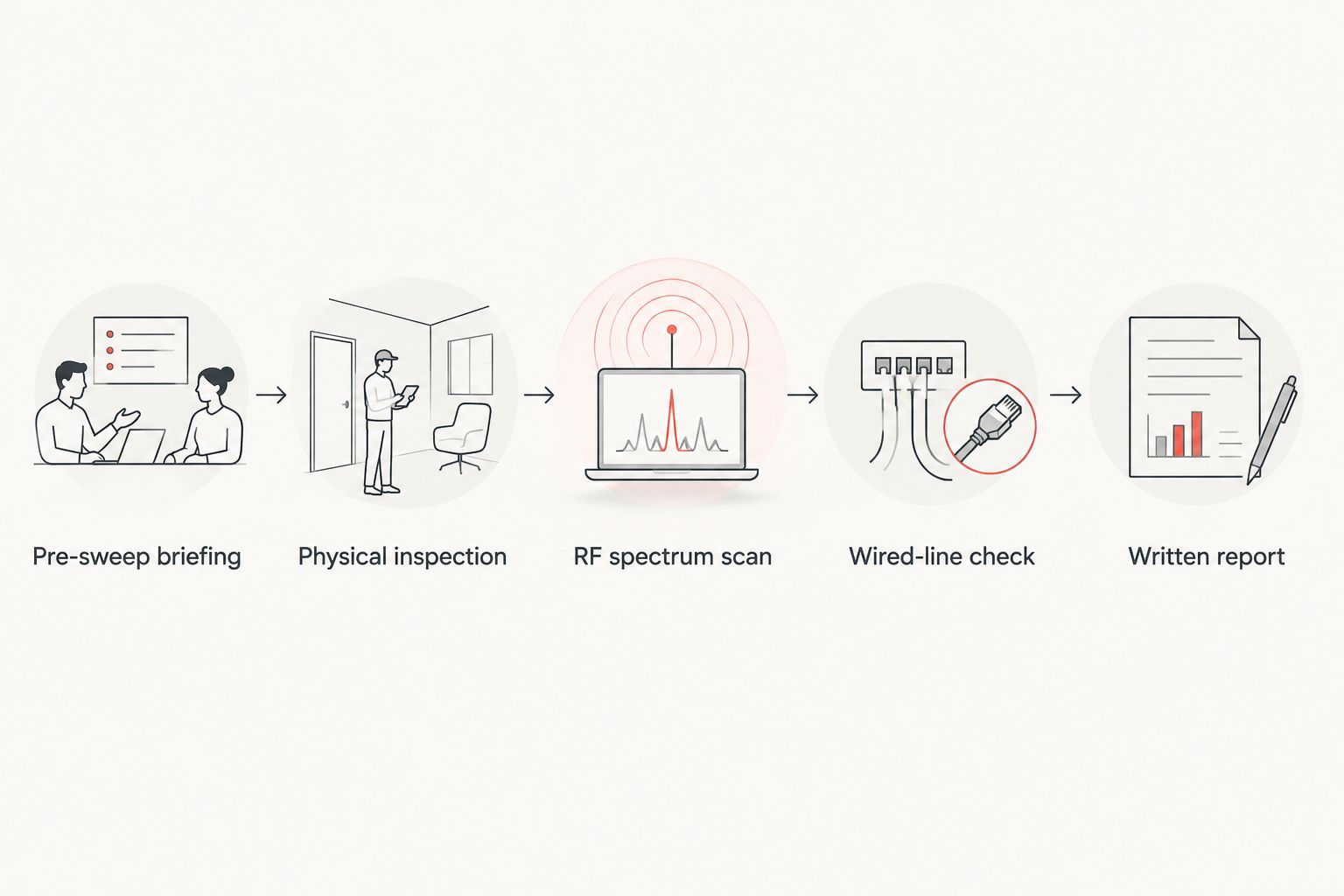
A professional TSCM bug sweep in 2026 moves through five phases: a pre-sweep briefing, a physical inspection, an RF spectrum sweep, a wired-line and network check, and a written report of findings. What to expect during a professional TSCM bug sweep comes down to how thorough each of those five phases gets — a sweep that skips the wired-line check or cuts the physical search short leaves gaps a hidden camera, audio bug, or GPS tracker can sit in undetected.
- A TSCM bug sweep runs five phases: briefing, physical search, RF scan, wired-line check, report.
- USA Bugsweeps technicians check devices that are powered on and powered off using RF detectors and non-linear junction detectors.
- Expect a room-by-room walkthrough of outlets, vents, and fixtures, then a written findings report.
- A sweep that skips the wired-line and network check misses hardwired microphones and tapped landlines.
Why this matters
Most people picture a bug sweep as someone waving a handheld detector around a room for ten minutes. That covers maybe one of the five phases a real TSCM sweep runs through in 2026.
A sophisticated audio bug or hidden camera doesn't always transmit on a frequency a cheap detector catches, and a hardwired microphone tapped into a phone line won't show up on an RF scan at all. Knowing the full process before USA Bugsweeps' technicians arrive tells you what a thorough sweep actually looks like — and what a rushed or partial one leaves behind.
What happens during a professional TSCM bug sweep
A legitimate TSCM sweep follows a set sequence. Each phase catches something the others miss.
- Pre-sweep briefing. The technician asks what triggered the concern — a divorce, a business dispute, a suspicion of corporate espionage — and scopes which rooms, vehicles, or devices need coverage.
- Physical inspection. Outlets, smoke detectors, vents, light fixtures, and furniture get checked by hand and with a borescope for anything that doesn't belong.
- RF spectrum sweep. A wideband RF detector scans for transmissions from wireless cameras and audio bugs, including the 2.4 GHz and 5.8 GHz bands common wireless spy cameras use.
- Wired-line and network check. Landlines, network cabling, and Wi-Fi routers get tested for taps, unauthorized devices, and unfamiliar traffic.
- Written report. You get a summary of what was checked, what was found, and — if a device turns up — how it was removed or documented.
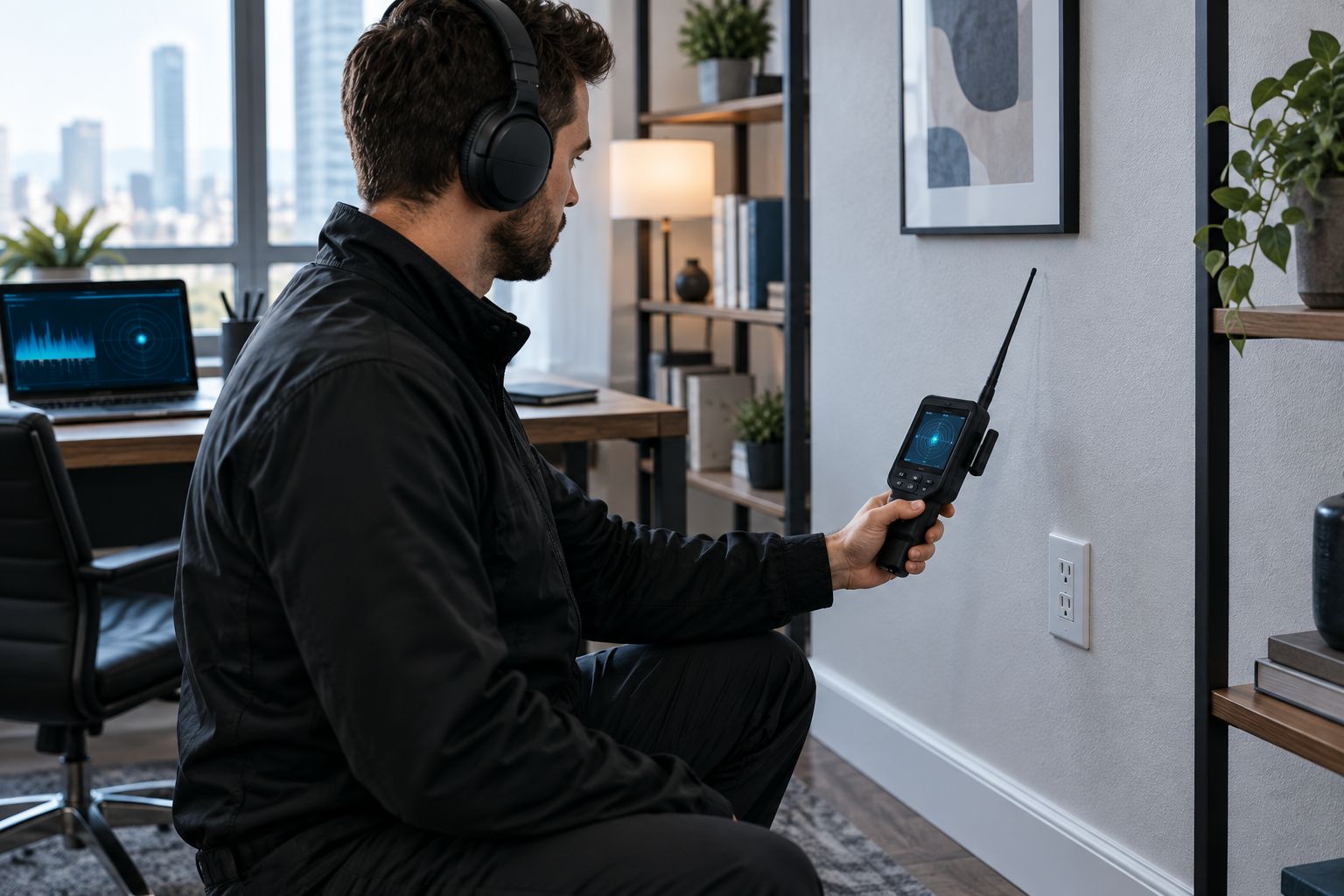
Step 3 relies on the equipment as much as the technician. A sweep run with consumer-grade professional-grade RF detectors catches far more than a hardware-store model, because wider frequency coverage means fewer blind spots between bands.
Home bug sweep: what's different
A residential sweep spends more time on the physical inspection phase — bedrooms, bathrooms, and nurseries get checked fixture by fixture, since hidden cameras in homes tend to be battery-powered devices hidden in clocks, smoke detectors, or USB chargers rather than hardwired into the building.
Office and boardroom sweep: what's different
A commercial sweep puts more weight on the wired-line and network check. Conference room phone systems, VoIP lines, and the office Wi-Fi router all get tested, since corporate espionage more often runs through the network than through a battery-powered camera.
Vehicle bug sweep: what's different
A vehicle sweep skips most of the wired-line phase and adds an undercarriage and OBD-port inspection, since the concern is almost always a GPS tracker rather than an audio bug or camera.
Why sweep scope varies
No two TSCM sweeps run the exact same length or depth. The scope shifts based on:
- Size of the property or vehicle. A studio apartment takes less time than a multi-floor office suite.
- Number of rooms with sensitive conversations. Boardrooms and executive offices get more attention than storage closets.
- Prior evidence of a leak. A specific incident (a private conversation that leaked, a car that keeps showing up somewhere it shouldn't) narrows the search and speeds it up.
- Number of connected devices. More IoT devices, routers, and phone lines means more items to test in the wired-line phase.
- Whether documentation for legal use is needed. A sweep tied to a legal case or HR investigation requires more careful chain-of-custody notes in the final report.
- Access constraints. A sweep scheduled around business hours or tenants in the building takes longer than one with full, unrestricted access.
“A sweep that stops at the RF scan and skips the wired-line check only found half the problem.”
How long does a bug sweep take?
Sweep length tracks directly to the factors above — property size, number of rooms, and whether a wired-line check is included all add or cut time. A single office or apartment takes less time than a full house, a fleet of vehicles, or a building with multiple conference rooms.
Should you clean up before the technician arrives?
No — leave the space as close to normal as possible. Moving furniture, unplugging devices, or tidying up before a TSCM bug sweep can hide the exact evidence — a loose outlet cover, a device with a slightly different faceplate — the physical inspection phase is designed to catch.
Book a TSCM bug sweep
Get a free estimate before scheduling a sweep for your home, office, or vehicle.
FAQ
What happens during a professional TSCM bug sweep?
A professional TSCM bug sweep runs through five phases: a briefing on the concern, a physical inspection of the space, an RF spectrum scan, a wired-line and network check, and a written report of findings. Each phase is designed to catch a different type of device, from battery-powered cameras to hardwired microphones.
How long does a bug sweep take?
Sweep length depends on the size of the property or vehicle and how many rooms or lines need checking. A single office takes less time than a full house or a building with multiple conference rooms.
Do I need to be home during a bug sweep?
Being present isn't required, but it helps the technician understand which rooms and conversations triggered the concern during the pre-sweep briefing. Access to every room and device is what actually matters.
Can a bug sweep find a GPS tracker on my car?
Yes — a vehicle sweep adds an undercarriage and OBD-port inspection specifically for GPS trackers, on top of the standard RF scan. Vehicle sweeps skip most of the wired-line phase since it doesn't apply.
Will the technician tell me what they find during the sweep?
You get a written report at the end covering what was checked and what, if anything, was found. Some technicians flag a device on the spot if it's found early in the physical inspection.
What equipment does a TSCM technician use?
A wideband RF detector for wireless transmissions, a non-linear junction detector for devices that are powered off, and hand tools like a borescope for physical inspection of outlets and fixtures. Wired-line testers cover phone and network checks.
Is a bug sweep the same as an RF detector sweep?
No — an RF scan is only one of five phases in a full TSCM bug sweep. A sweep limited to RF detection misses hardwired devices and anything powered off during the scan.
How often should a business get swept?
There's no fixed schedule that fits every business — frequency depends on how sensitive the conversations happening in a space are and whether there's specific reason to suspect a leak. Boardrooms and executive offices tied to competitive information warrant more frequent checks than a general retail floor.
One last thing
The wired-line and network check is the phase most people forget to ask about, and it's the one that catches taps an RF scan will never see. If a technician quotes a sweep that's only RF detection, ask directly whether phone lines and the router get tested — in 2026, a compromised Wi-Fi router is one of the more common ways audio and video get pulled out of a building without a single wireless transmission ever showing up on a scanner.


